
Judges Page
Thank you for spending your time to help judge our student work.
- To login, go to the website:
- A user name and password is required to enter. (Please contact Al Jauco, ajauco@ohlone.edu or Isabel Reichert, ireichert@ohlone.edu)
1.Scoring - Front page click on "Admin Tools"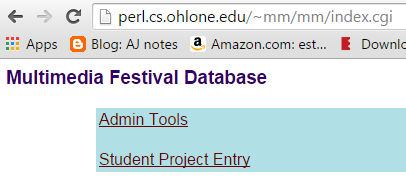
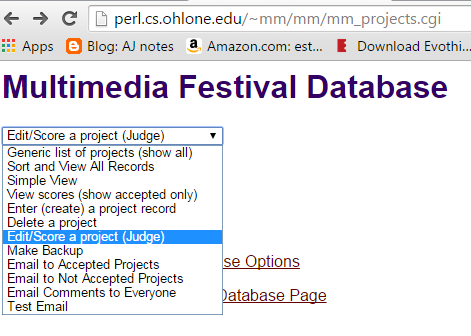
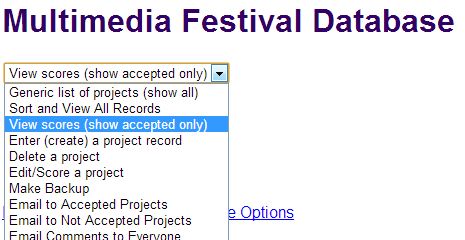
2. Select - "Edit/Score a project (Judge)"
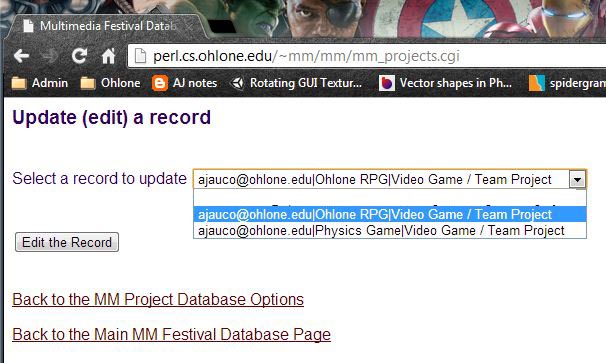
3. Select a project to update
- Select a project. The drop down lists the email, project name, and the category. Select "Edit the Record"
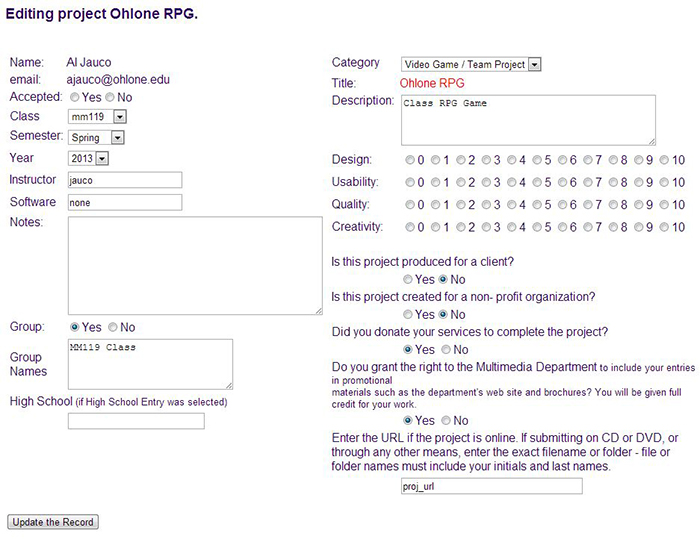
4. Enter judging
- Be sure the project has been "Accepted" (upper left, should be checked yes).
- Actual project can either be located in the cloud directory or a URL (at the bottom, copy and paste into browser).
- Design, usability, quality, creativity - 10 points is highest
- Enter a descriptive note for feedback to the student
- Click on "Update the Record"
4. View Scoring Summary
- Head back to the top page:
- Select "View Scores". Only projects that were selected as "accepted" in the update page will be viewable.
5. W9 Tax Form for stipend.